3D Printing on the Bambu Lab H2D Pro
By Fix It Today, 20/08/2026 · 1 min read
3D Printing
3D Printing on the Bambu Lab H2D Pro
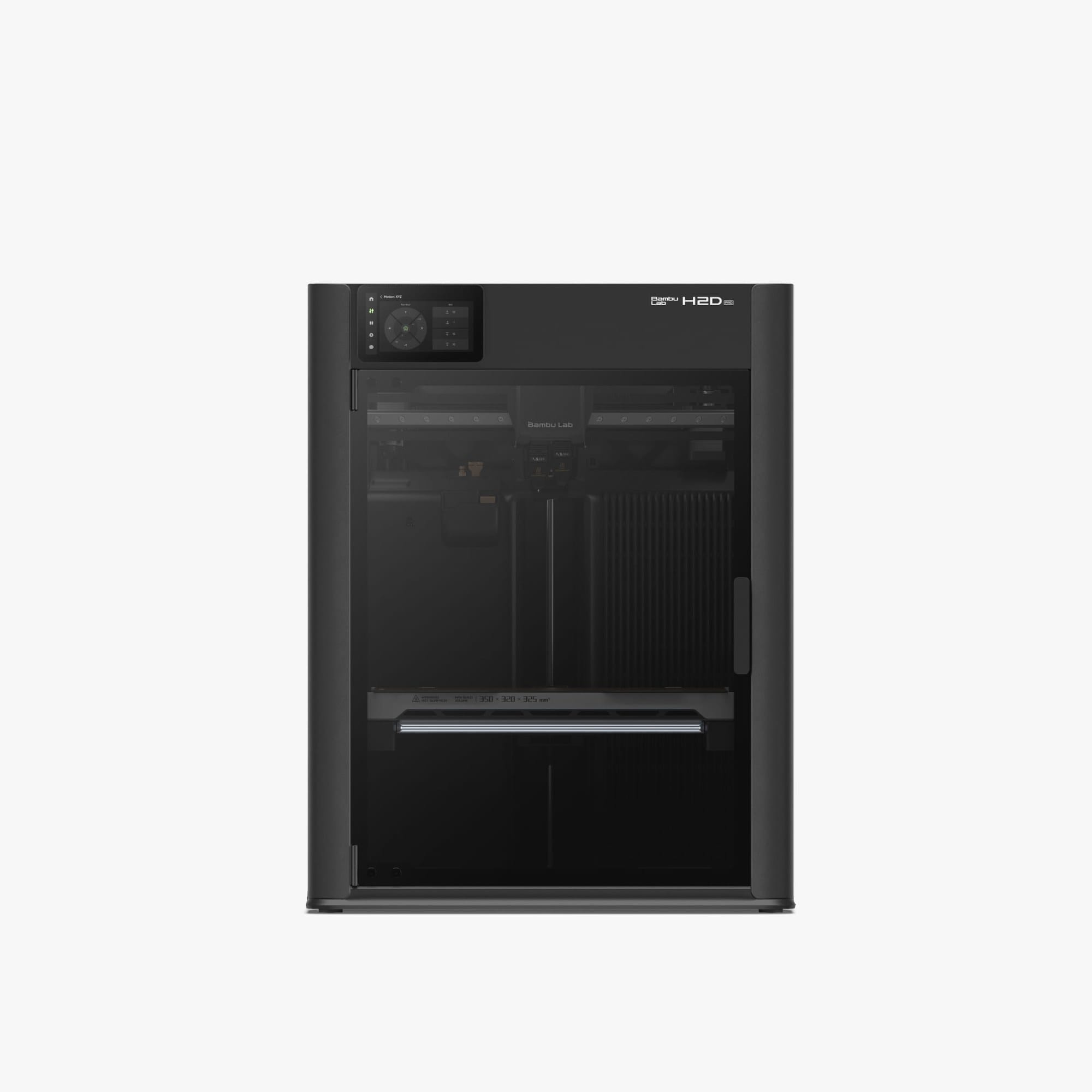
Use the H2D Pro by matching the active tool, build plate and high-temperature material before slicing, then confirm the network and filtration setup required for the workspace.
Before printing
Prepare the machine and material
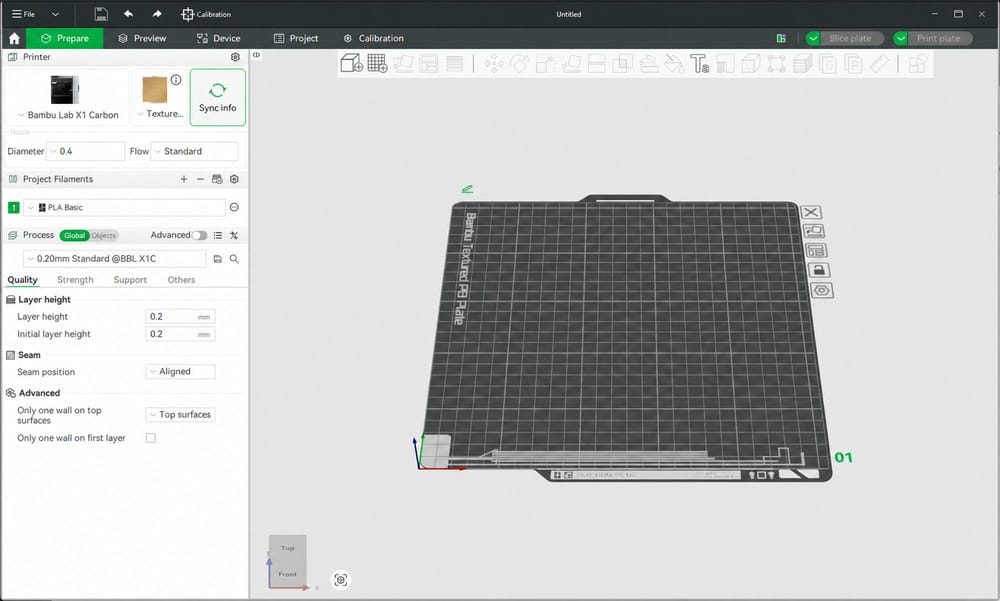
Use the printer profile, plate, nozzle and filament that match the physical setup.
Important checks
Official references
Printer-specific help
Use the manufacturer's current manual and support pages when a menu or error differs from this guide.
Related articles

The Story of the 3D Printer: From RepRap to Bambu Lab
How the desktop 3D printer happened, in order: the patents, RepRap at the University of Bath, MakerBot, the Prusa i3, Creality's Ender-3, Prusa Research and Bambu Lab, with photographs of each machine.

Building More With Tinkercad: A Storage Box With a Lid
A more advanced Tinkercad project than a keychain: a hollow storage box and a separate lid, built with a Hole shape, Align on all three axes, a Union group and a raised label. Part 4 of the series.

The Tinkercad Toolbox: Every Tool, What It Does
Every Tinkercad tool explained: the full shape library, Align, Mirror, Group and Ungroup, the Workplane tool, Colour, Snap Grid, and Import and Export. Part 3 of the series.