3D Printer Guides
By Admin, 20/08/2026 · 3 min read
3D Printing
3D Printer Guides
Choose the printer you are using, then follow its model-specific workflow for preparing the file, loading material, starting a print and removing the finished part.
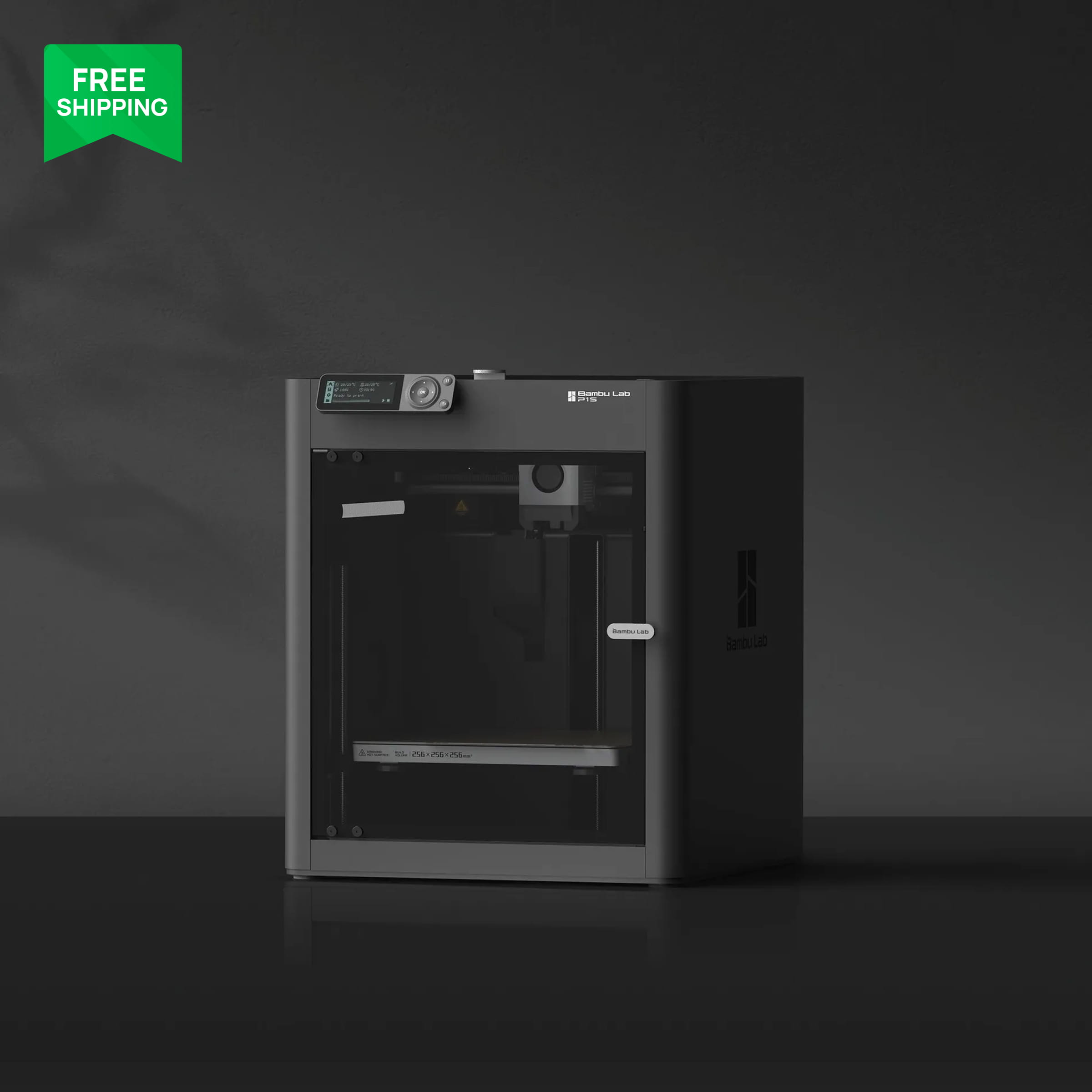

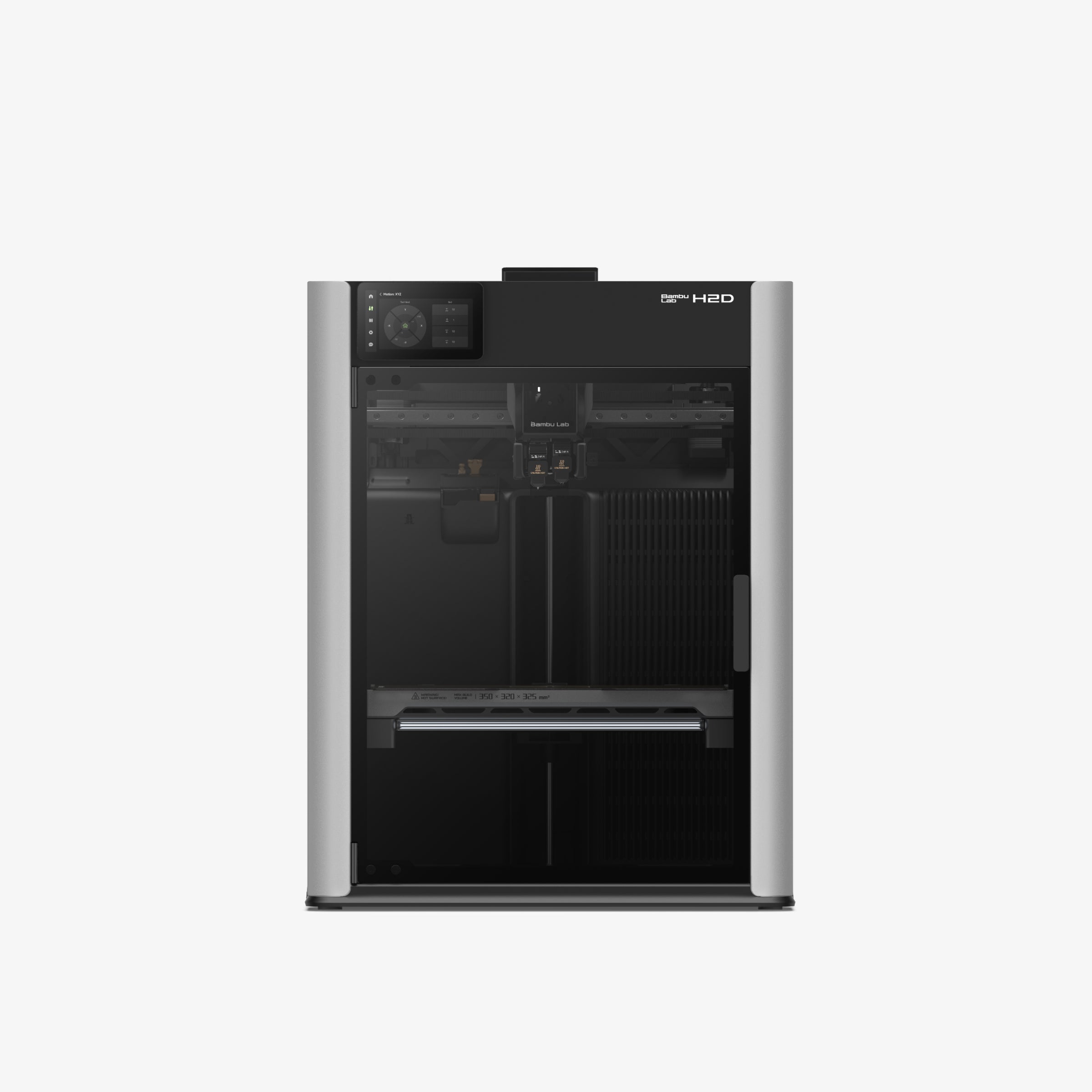
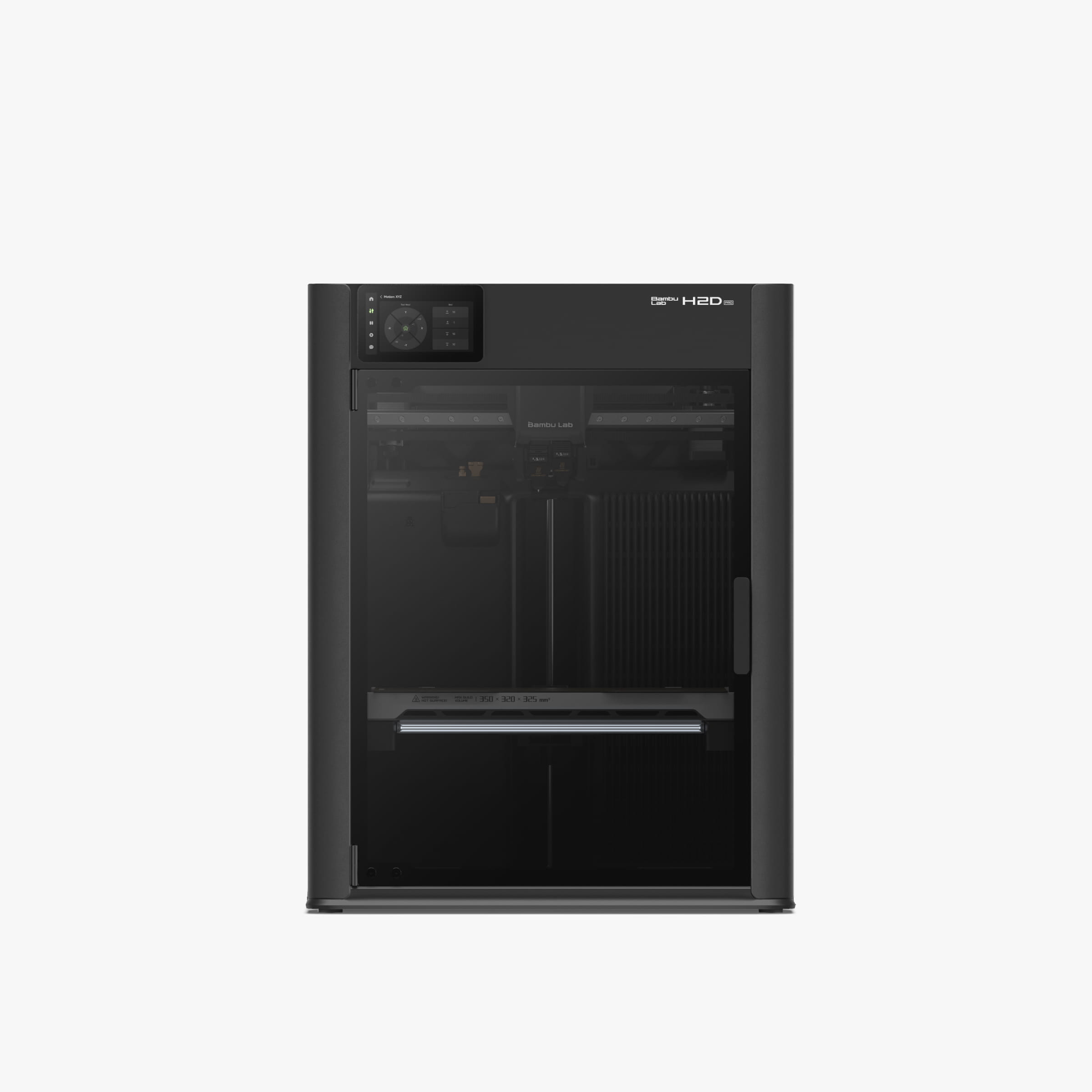
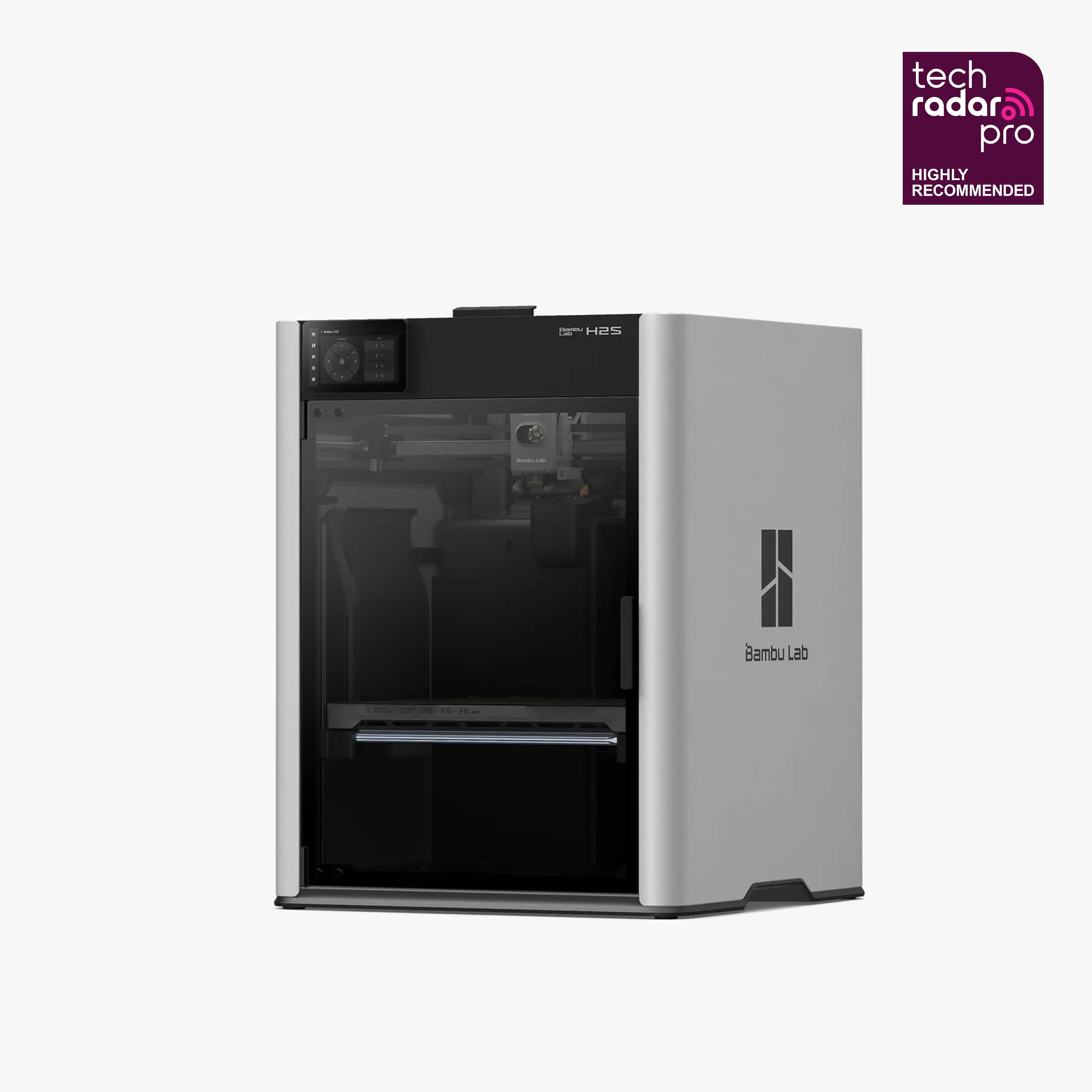
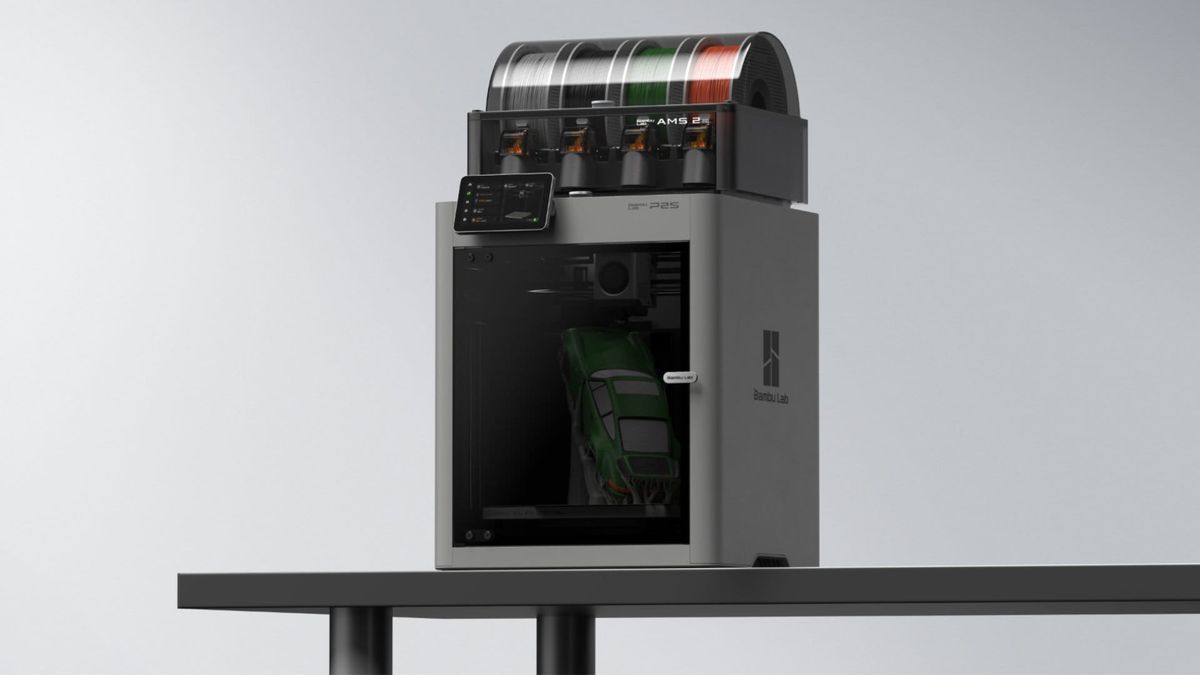
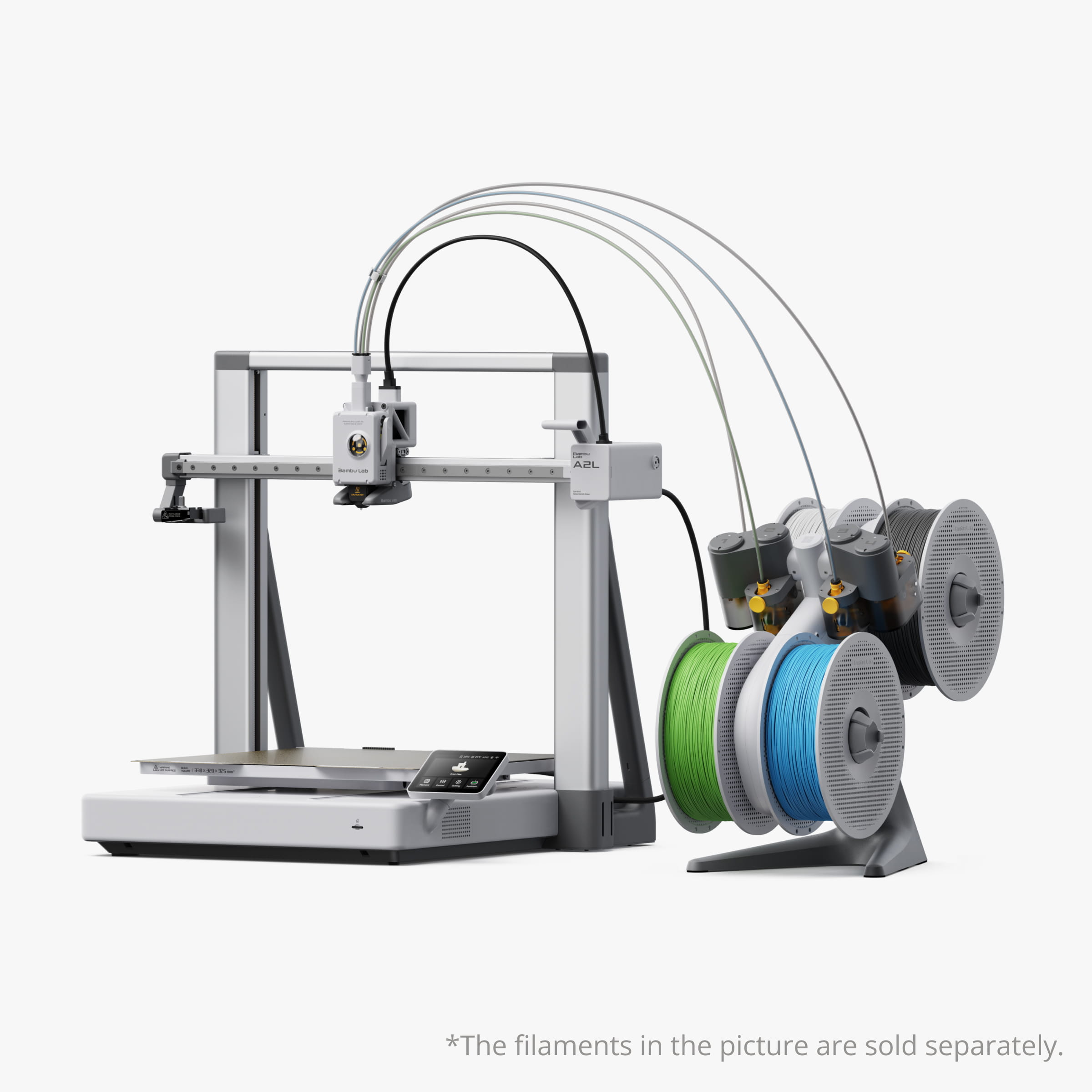

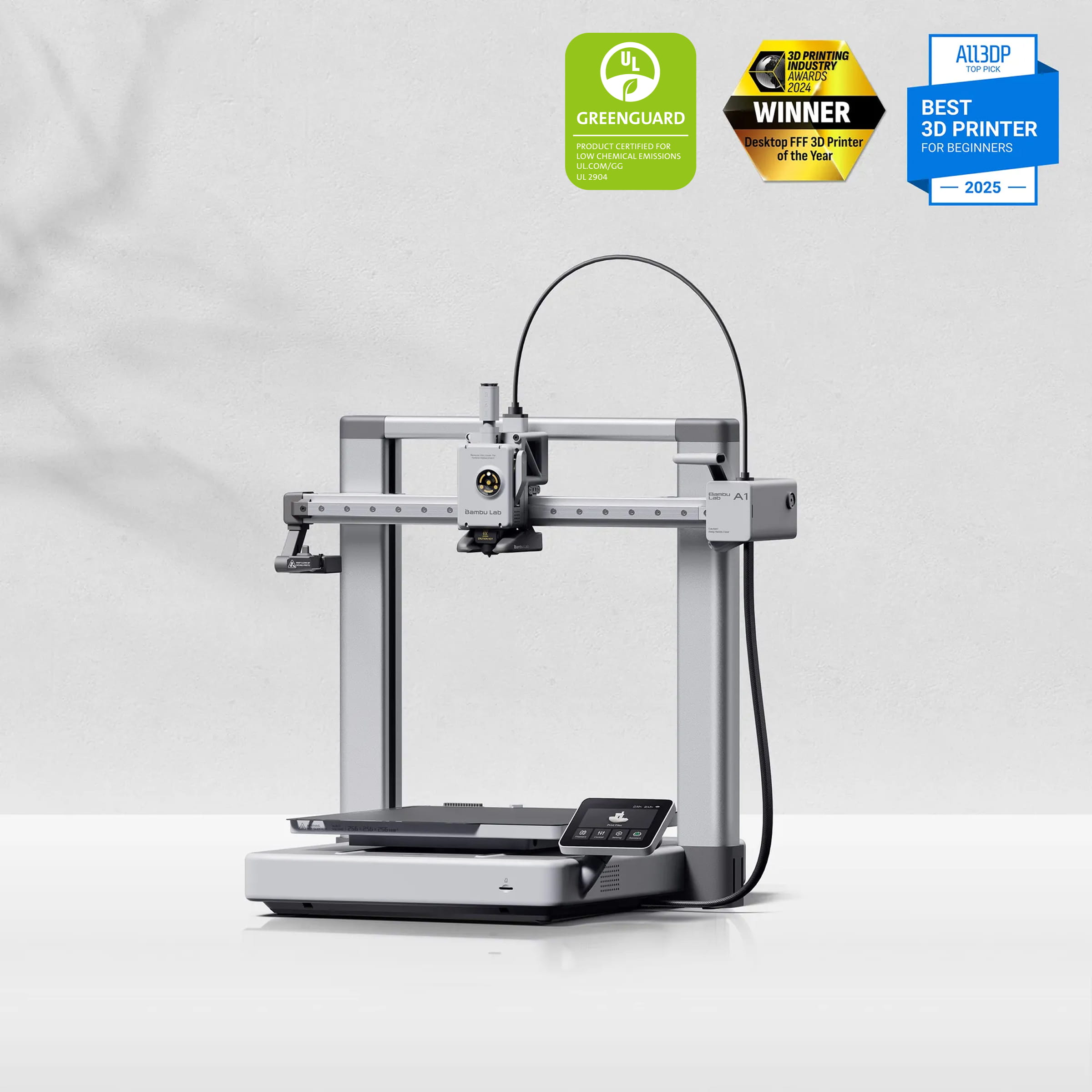
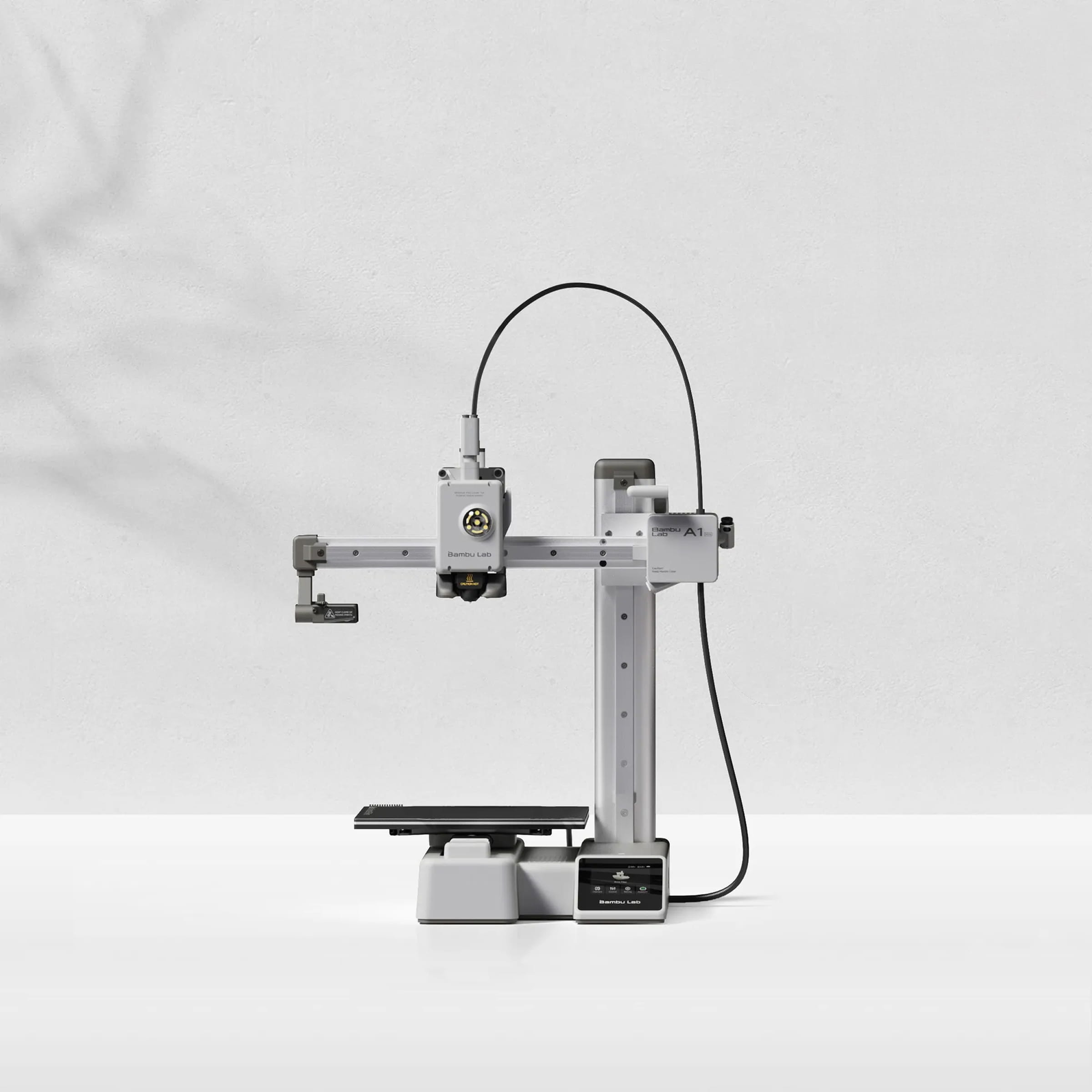
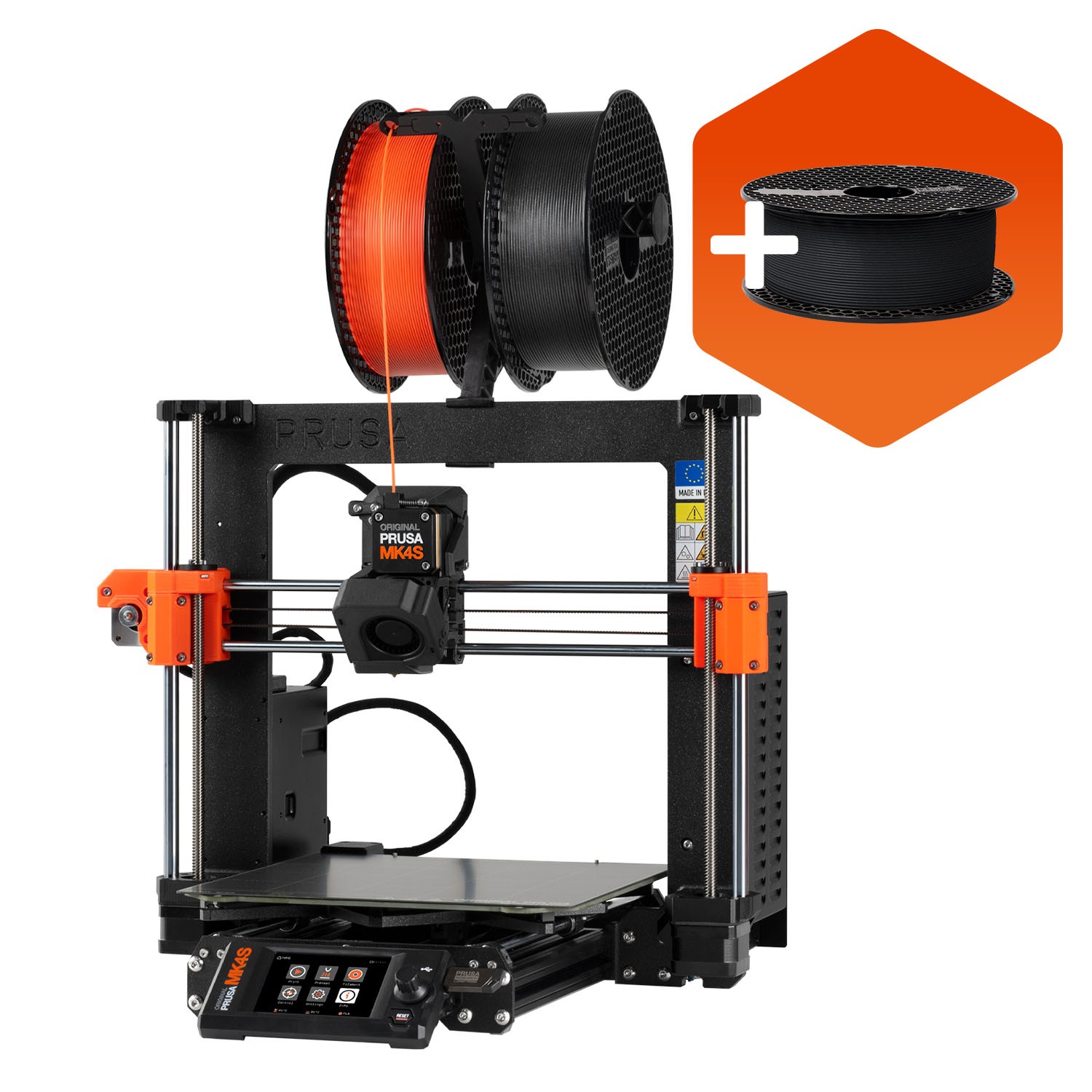
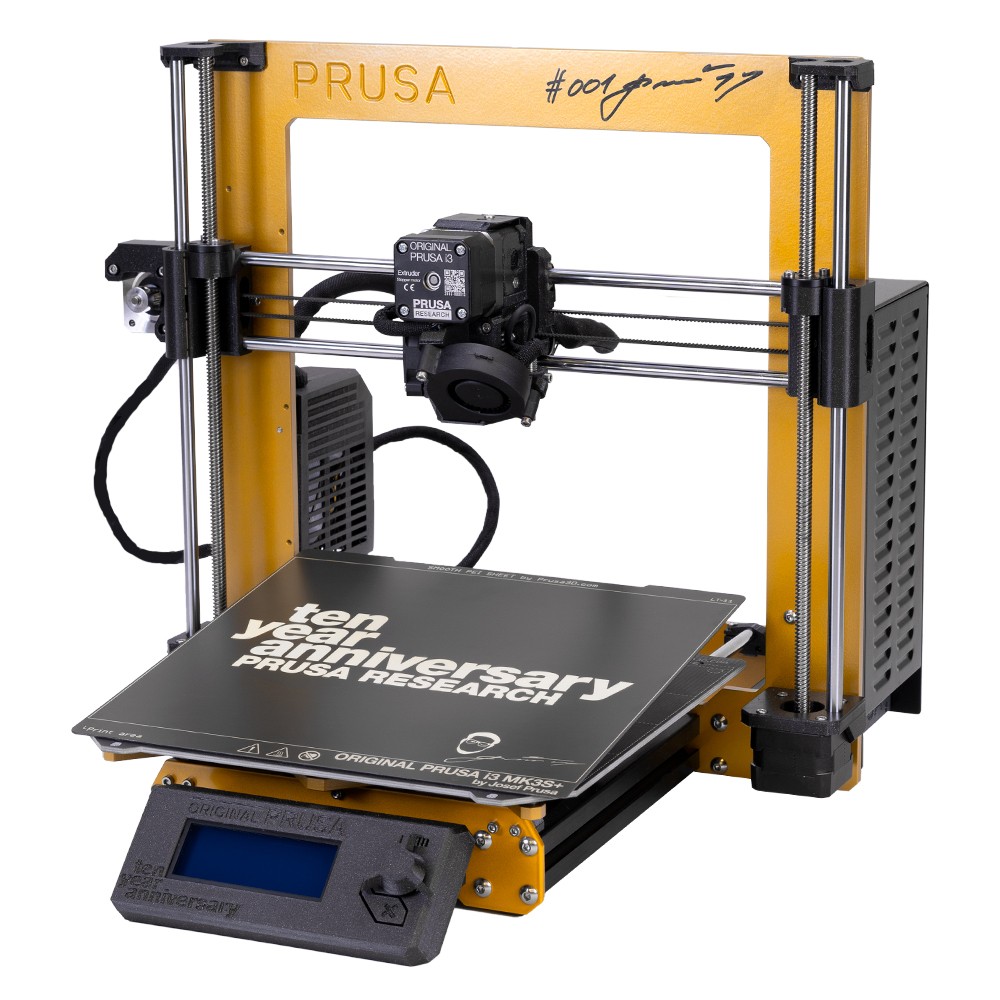
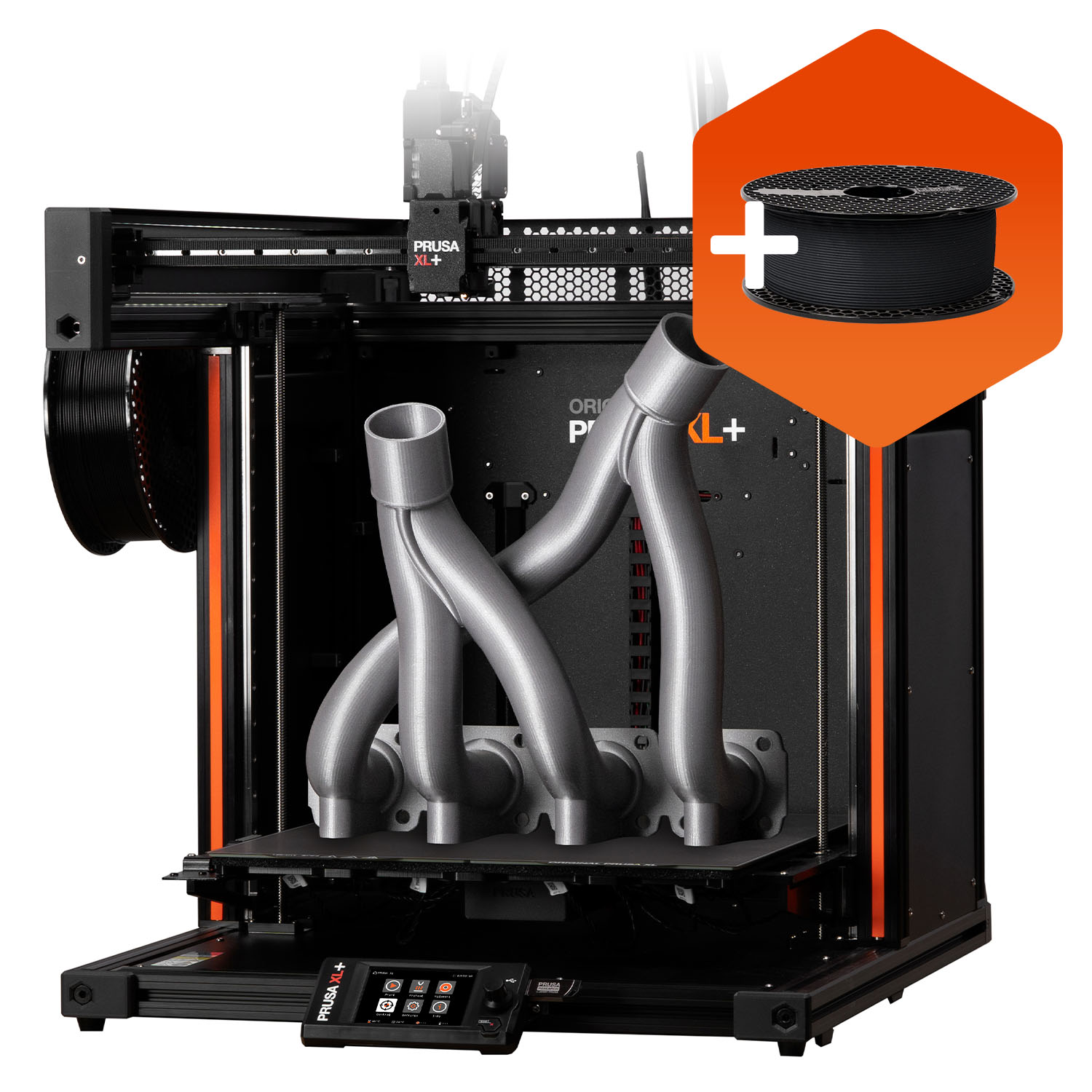
Using a different FFF or FDM printer
Shared workflow
The steps every printer follows
The screen labels differ, but the print path is consistent across most desktop FFF and FDM printers.
Need a different model
Repair and maintenance
Fix It Today also supports Bambu Lab, Prusa and other desktop FFF or FDM printers.
Related articles

3D Printing Theory and Material Properties
Understand layers, stiffness, strength, toughness, heat resistance and slicer settings before building your next prototype.

Common 3D Printer Problems
A menu of common 3D printer problems, from power and extruder faults to filament, bed, temperature, motion, software and print-quality issues.

3D Printing on the Bambu Lab X1E
Use the X1E by matching the X1-series profile, secure network option, active chamber and filament before sending the job.