Common 3D Printer Problems
By Admin, 21/08/2026 · 2 min read

Troubleshooting
Common 3D Printer Problems
Choose the area that best matches what the printer is doing, then open the focused guide with checks and repair steps.
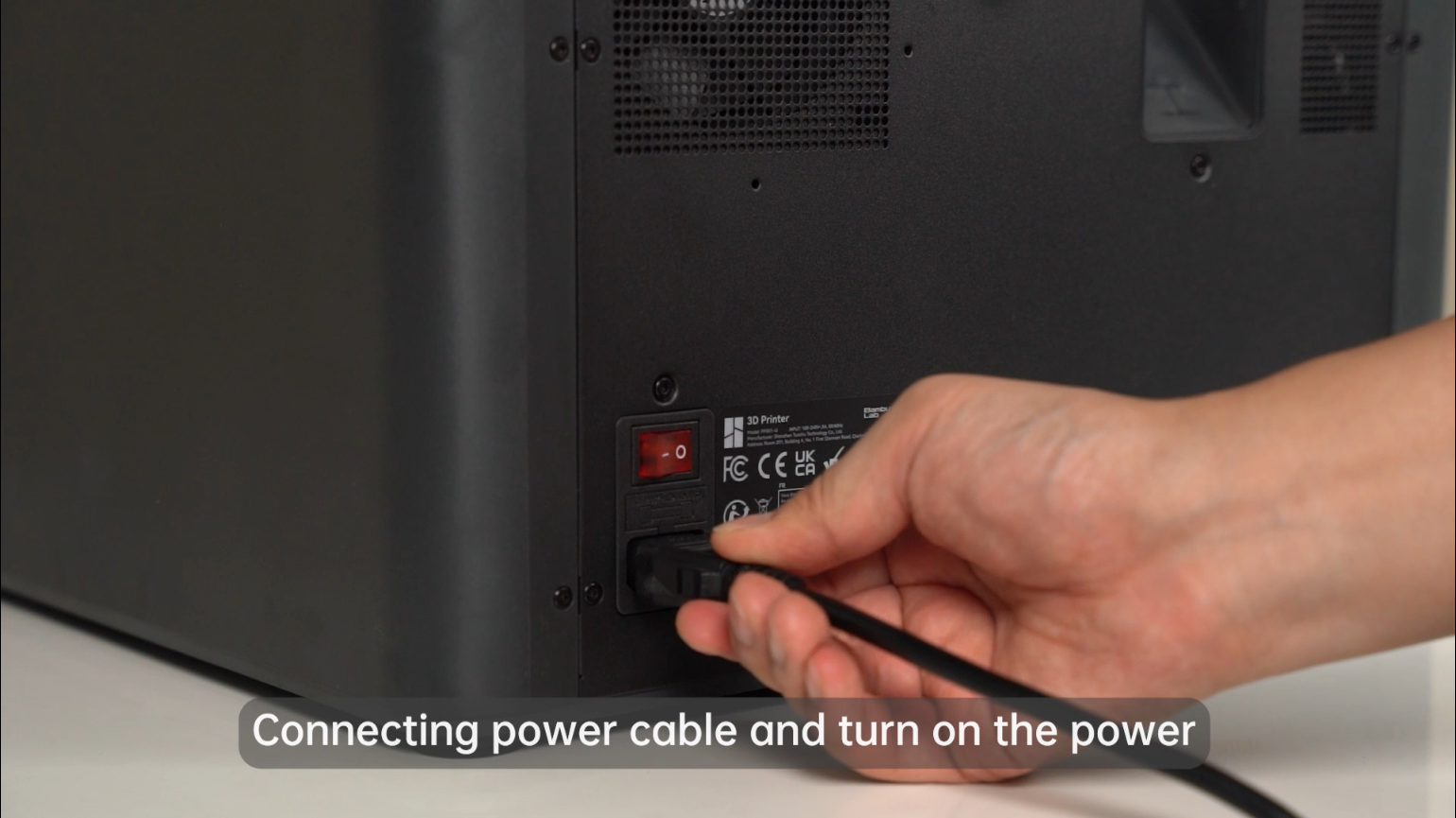
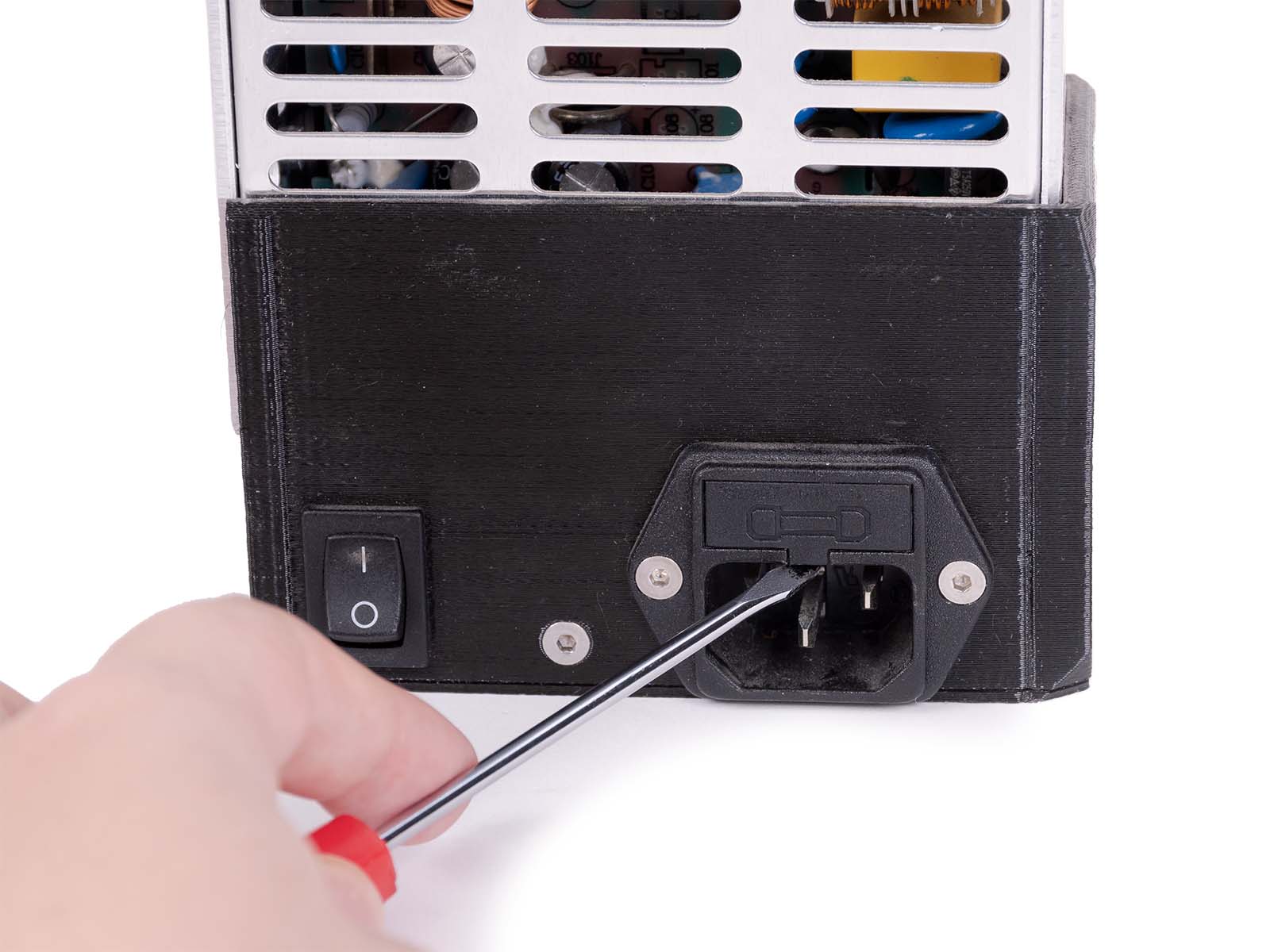
Power
Printer will not turn on
Check the socket, cable, rear switch and fuse before investigating the printer electronics.
Open guide
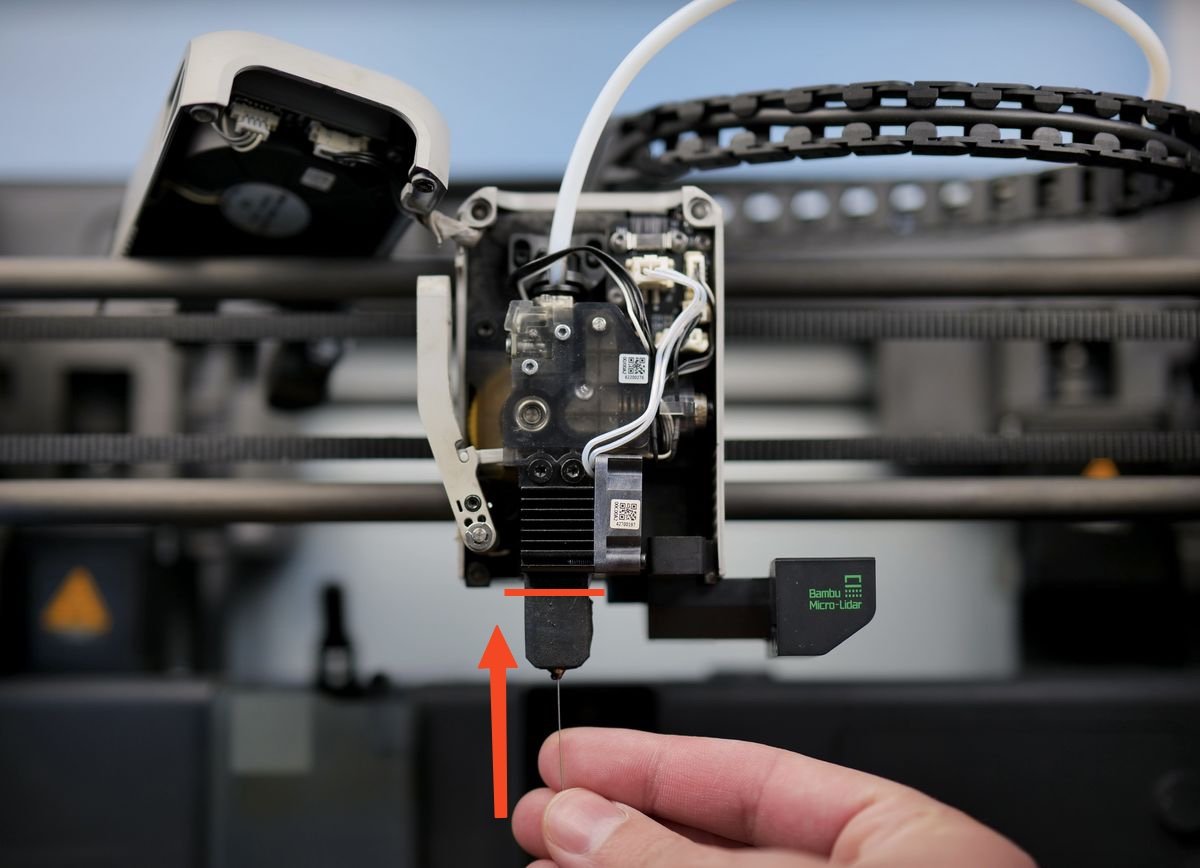
Extruder
Filament will not feed
Start with the filament path, extruder gears, hotend and nozzle before forcing the filament.
Open guide
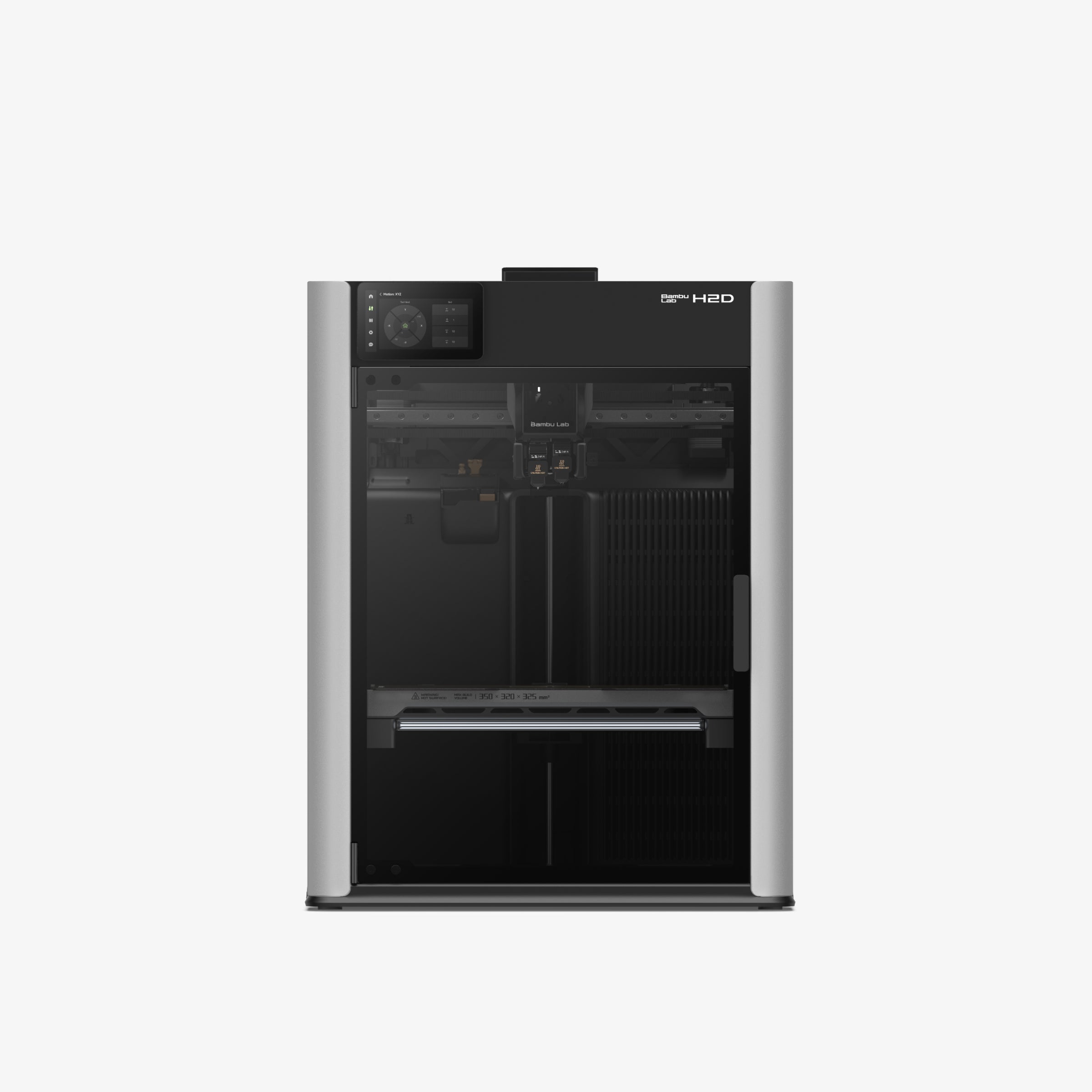
AMS and filament
Filament will not load or retract
Trace the spool, feeder, PTFE tube, buffer and toolhead in order.
Open guide

Build plate
Print will not stick
Check the plate, debris, first-layer height, material profile and bed condition.
Open guide
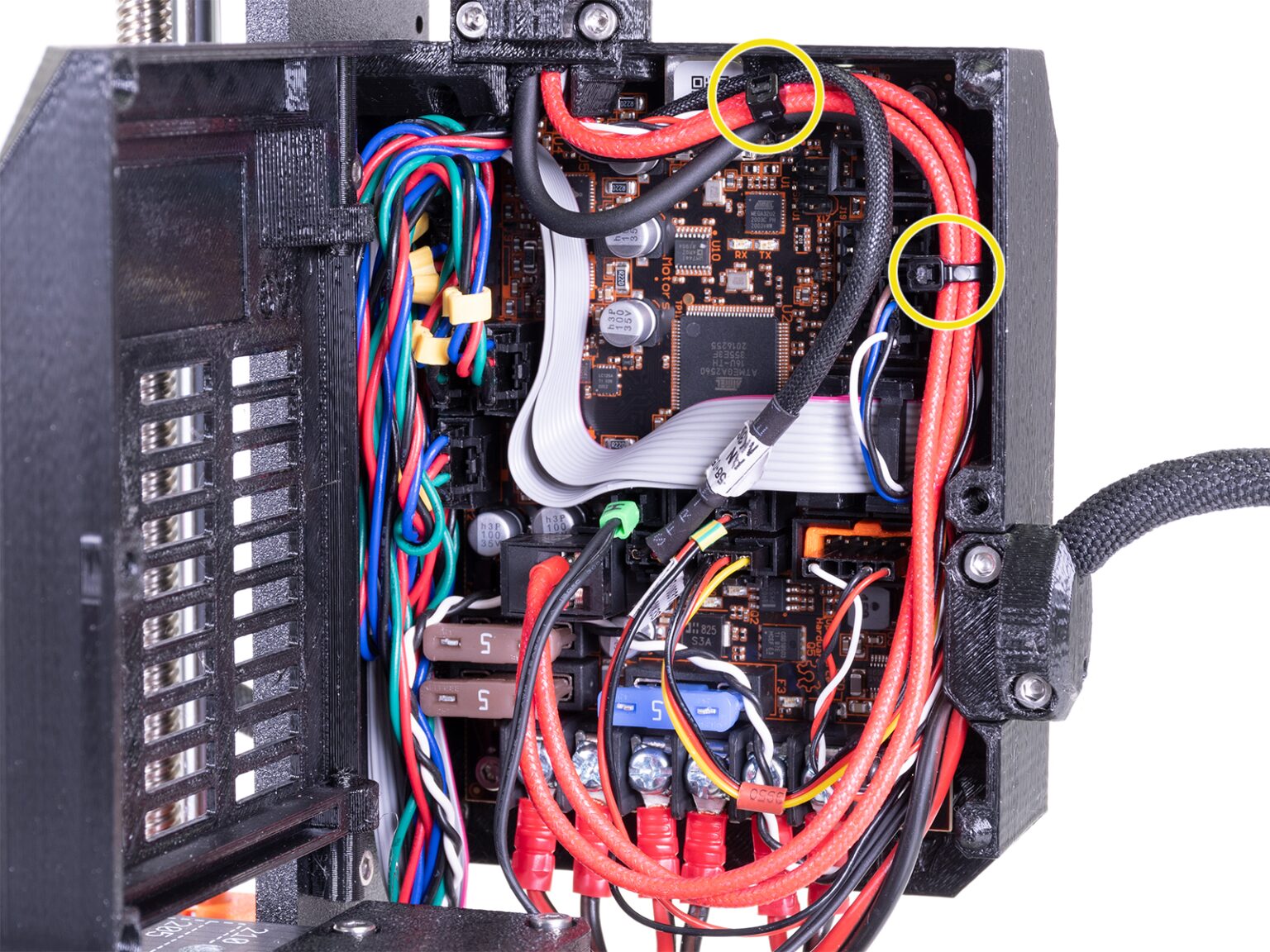
Temperature
Heating or sensor error
Check the heater, thermistor, wiring and the exact error code before restarting repeatedly.
Open guide
Motion
Layer shifts or unusual noise
Inspect belts, pulleys, bearings, lead screws, obstructions and homing behaviour.
Open guide

Print quality
Warping, stringing or weak layers
Review material storage, temperature, cooling, speed, orientation and slicer settings.
Open guide
Network and software
Job will not send or start
Check the selected printer, account, network connection, firmware and slicer device state.
Open guide
Before opening a repair ticket
Need help
Send the fault details
A short video of the failure and the exact on-screen message usually makes diagnosis faster.
Bambu AMS filament retraction troubleshooting
Bambu AMS filament feed troubleshooting
Sources
Image and troubleshooting references
The visual checks use manufacturer documentation and product references for Bambu Lab and Original Prusa printers.
Related articles

3D Printing Theory and Material Properties
Understand layers, stiffness, strength, toughness, heat resistance and slicer settings before building your next prototype.

3D Printing on the Bambu Lab X1E
Use the X1E by matching the X1-series profile, secure network option, active chamber and filament before sending the job.

3D Printing on the Bambu Lab P1P
Use the P1P by preparing the open-frame build area, matching the plate and filament profile, and watching the first layer closely.