Fix It Today · Singapore
School STEM Programmes in Singapore
Give students a project they can design, build and test. Fix It Today helps schools plan 3D printing, electronics and introductory robotics workshops around the students’ age, experience and available lesson time.
Projects students can build
Choose a starting point below. We can adjust the design task, coding support and build complexity to suit your class.
3D design and printing
Students model a keychain, phone stand or small storage box in Tinkercad. They use dimensions, shapes and clearances to make a design that can be printed and used.
The printing lesson connects the digital model to layers, supports and print orientation. Students compare the design with the finished part and decide what to improve.
Try the Tinkercad keychain guideArduino and interactive exhibits
Build a temperature display, reaction game or interactive board. Students connect a sensor or button, write a short program and use lights or a display to show the result.
The core idea is input, process and output: a sensor measures something, the code makes a decision, and the circuit responds.
Read the Arduino sensor guideIntroduction to robotics
Use sensors, code and motors to explore how a moving device responds to its surroundings. Project options can include an obstacle alert or a simple motorised mechanism.
Students learn how sensing and movement work together, then test one change at a time. The robot or mechanism is chosen to match the available equipment and lesson time.
Design thinking and prototypes
Start with a problem students can observe, such as storing classroom items or making a display easier to use. Students research the need, sketch possible solutions and build a prototype.
Testing gives them evidence for the next version. A longer programme can combine a printed enclosure, electronics and a short presentation explaining the design choices.
Build on real workshop work
Our school work includes 3D printed parts, Arduino circuits and interactive project boards. These projects give students something concrete to test and explain.
See examples from our collaboration work, including the school programme at Nanyang Girls’ High School and a separate MIC project.
See our school and MIC projects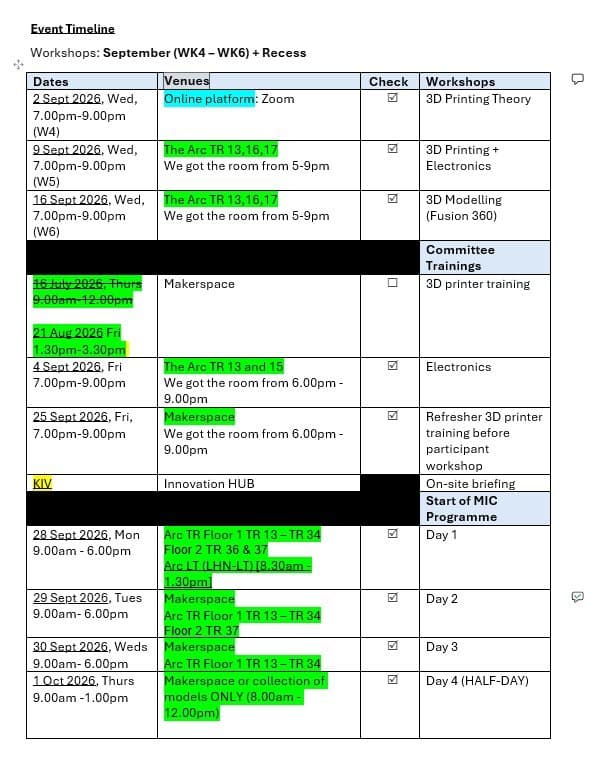
Choose a format that fits your school
An introductory workshop
Focus on one design or circuit. This works well for a first experience of 3D printing or electronics, with a guided build and time to test.
A series of lessons
Give students time to learn the tools, develop a project and improve it after testing. Useful for applied learning, enrichment and CCA activities.
Project support
Discuss support for student prototypes, exhibitions or competition preparation. The project requirements and the students’ existing work guide the scope.
Before the first session
Do students need prior experience?
Beginner sessions can start with guided modelling or simple circuits. Tell us the students’ level and any coding or design experience so we can choose a suitable task.
Does the school need 3D printers?
Let us know which laptops, printers and electronics kits are available. We’ll agree on equipment, materials and any printing needed before or after the session.
Can every student finish a print during class?
Print time depends on the model and the number of printers. We plan demonstrations, shared printing or later collection around the class size and timetable.
How is the programme priced?
The quote depends on the group size, number of sessions, materials, equipment and project support. Share your budget early so we can plan a suitable scope.
Start learning before the workshop
Let’s plan your workshop
Tell us what your group would like to learn, how many people will attend, your preferred dates and your budget. We’ll discuss the project, equipment and delivery arrangements before preparing a quote.
Email a workshop enquiryfixittoday.contact@gmail.com