Advanced Bambu Studio Techniques
By Admin, 16/07/2026 · 2 min read
Bambu Studio
Advanced Bambu Studio Techniques
Use these tools after the standard profile produces a reliable print. Each technique solves a specific time, surface or batch-printing problem.
Top toolbar
Adaptive layer height
Adaptive layer height uses thinner layers where the model needs surface detail and thicker layers where the shape changes slowly. This can improve curved surfaces without printing the entire model at the finest layer height.
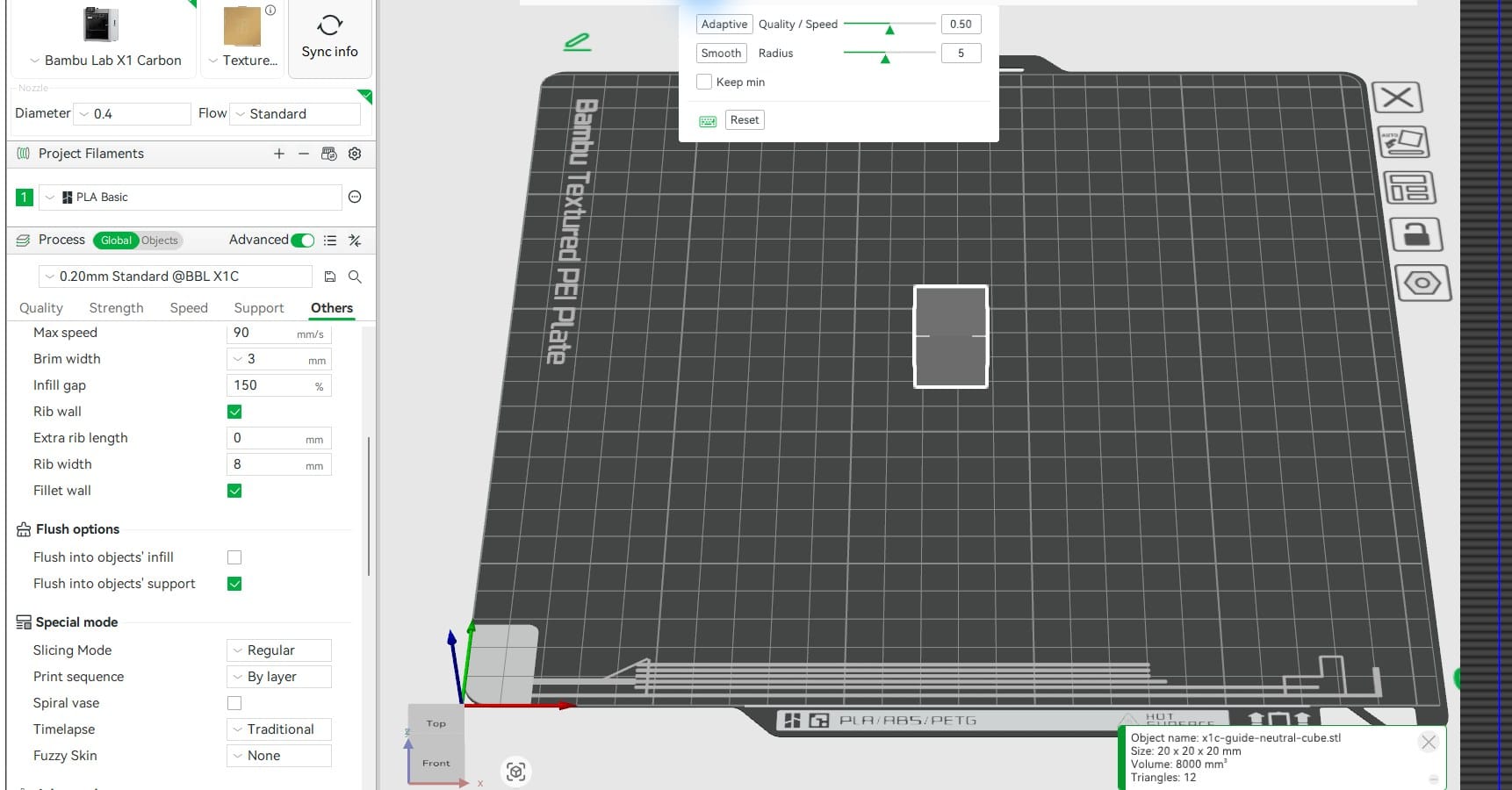
- Select the object, then choose the Variable layer height icon on the top toolbar.
- Use Adaptive to calculate a first pass, then Smooth to reduce abrupt layer-height changes.
- Inspect the layer-height bar and sliced contours. Very small layers can add substantial time and may not improve simple vertical walls.
- Print a small section first when surface finish is critical.
Others > Special mode
Print by object
By object completes one object before starting the next. It can reduce travel between separate parts and may limit the number of parts lost if a later object fails.
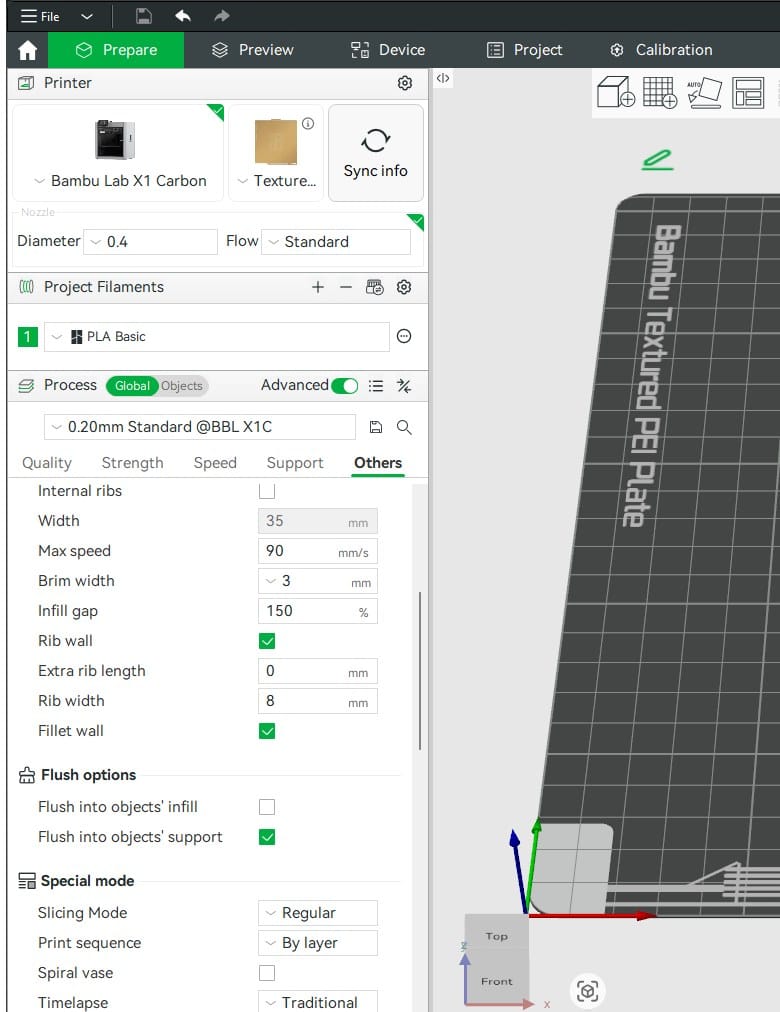
- Use it only when Bambu Studio's clearance zones show enough space for the toolhead and gantry around every completed object.
- Keep tall objects away from later toolhead paths and review the automatic collision warning before slicing.
- Object order matters. Arrange the safest, shortest objects first when the workflow allows it.
- Use By layer for tightly packed parts, assemblies or multi-colour jobs where sequential printing creates clearance or prime-tower limitations.
Objects mode
Per-object settings
Per-object settings let separate models on one plate use different walls, infill, supports or other process values without changing the global profile.
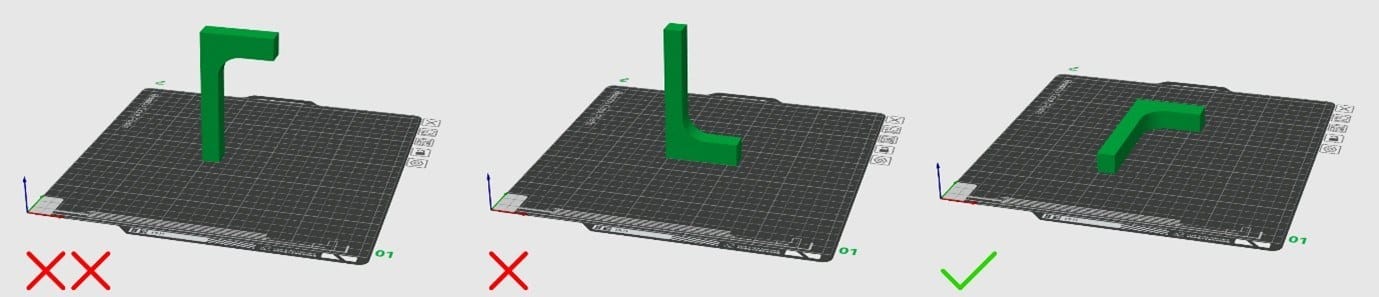
- Switch from Global to Objects and select the object that needs a local change.
- Use local settings for a calibration part, a stronger bracket or one model that needs supports while the others do not.
- Keep the number of overrides small and review each object in Preview; hidden overrides are a common source of unexpected slices.
Other useful tools
Sources
Slicing references
Controls can move between Bambu Studio releases. The current installed interface is shown above; these sources explain the underlying slicing behaviour.
Related articles

3D Printing Theory and Material Properties
Understand layers, stiffness, strength, toughness, heat resistance and slicer settings before building your next prototype.

Common 3D Printer Problems
A menu of common 3D printer problems, from power and extruder faults to filament, bed, temperature, motion, software and print-quality issues.

3D Printing on the Bambu Lab X1E
Use the X1E by matching the X1-series profile, secure network option, active chamber and filament before sending the job.